
ADVERTISEMENT
ADVERTISEMENT
In an era where instant communication has become synonymous with modern life, the demand for efficient messaging systems is at an all-time high. Among the myriad of options available, the Messages by Google app stands out as a game changer, offering a blend of features that marry functionality with fun. Drawing from its landing page description, this review will delve into the app's features, user reviews, updates, device requirements, and permission requirements, offering a comprehensive perspective on its potential.
The features of the Messages by Google app are designed to enhance the user experience and enable seamless communication. Here are the top five standout features:
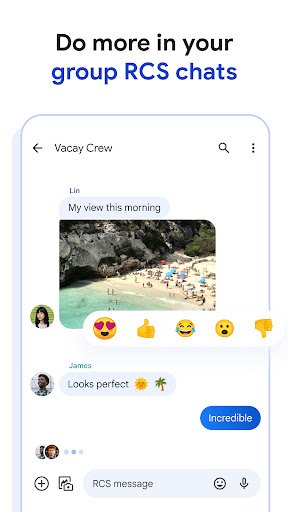
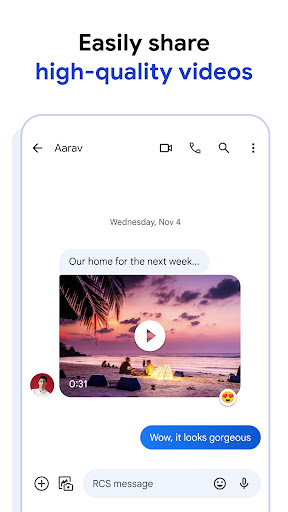
1. Rich Communication: The hallmark of the Messages by Google app is its employment of Rich Communication Services (RCS), which supersedes traditional SMS and MMS. This means that users can share high-quality photos and videos, engage in real-time while seeing when their friends are typing, and enjoy dynamic group chats that effortlessly include iPhone users. This universal connectivity reflects a significant advance in messaging capabilities, transforming how users interact.
2. Personal Touch: Conversations often express individuality, and the Messages by Google app recognizes this. Users can customize their chat bubble colors and send fun selfie gifs, enabling them to articulate their personality through text. This customization makes interactions more engaging, enhancing the overall messaging experience.
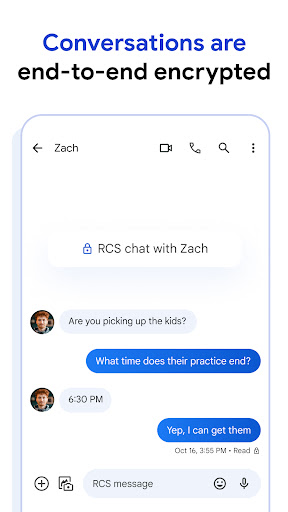
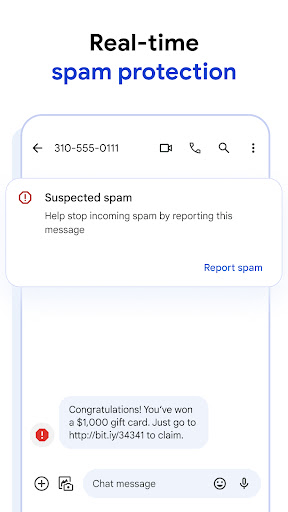
3. Privacy Matters: In an age where data security is paramount, Messages by Google app takes the protection of user privacy seriously. The app employs end-to-end encryption for chats between Google Messages users, ensuring that only those participating in the conversation can view the messages and attachments. Additionally, enhanced spam protection features help users feel secure while navigating their messaging landscape.
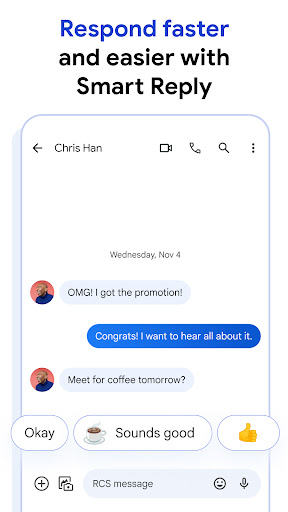
4. AI-Powered Messaging: The integration of artificial intelligence features sets Messages by Google apart from its competitors. With the Magic Compose function, users receive suggestions for crafting the perfect message, simplifying the process of communication. This feature is particularly useful for those who may struggle with wording their thoughts or want to add a touch of flair to their messages.
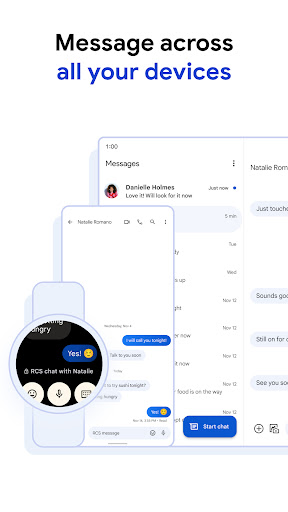
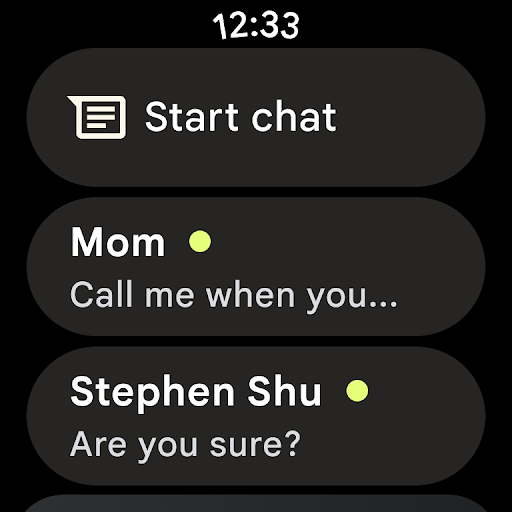
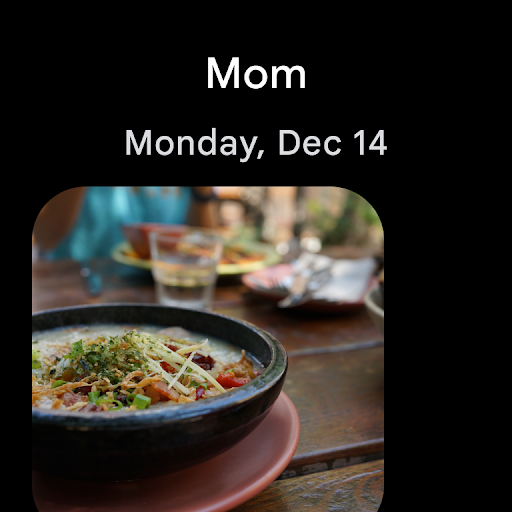
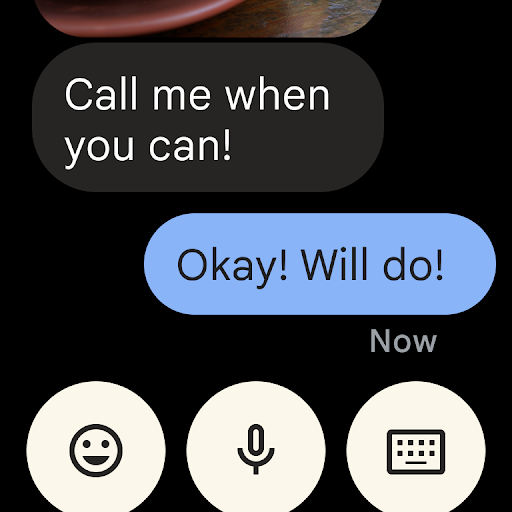
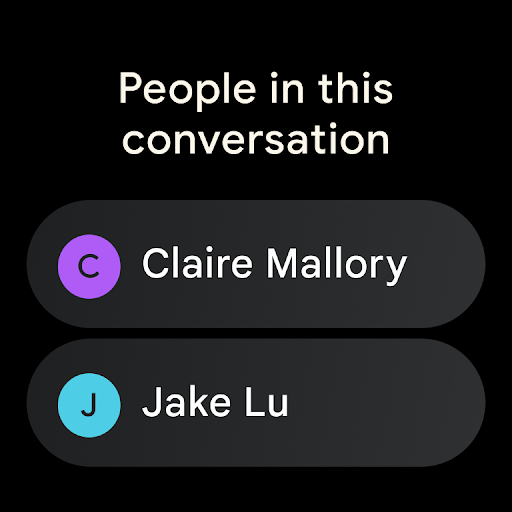
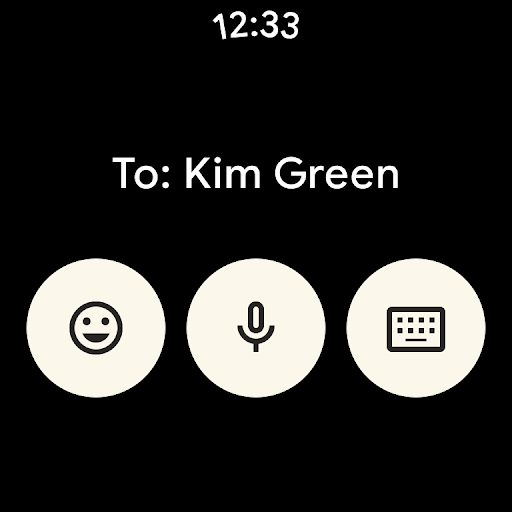
5. Seamless Across Devices: The ability to transition between devices without losing the thread of conversation is another essential feature of Messages by Google. Users can initiate a chat on their smartphones and continue it on their tablets or computers, ensuring that messages remain coordinated and accessible. Furthermore, the app’s availability on Wear OS makes it convenient for users who prefer to stay connected on-the-go.
The Messages by Google app is not just a messaging tool; it is a multifaceted platform that encourages richer, safer, and more creative communication.
To truly understand the utility of the Messages by Google app, one must consider the feedback from actual users. Here are some selected reviews that reflect a range of experiences:
1. "The enhanced features with RCS have made my messaging more engaging. I can finally send videos without worrying about quality!" — User A (Rating: 4.5/5)
2. "I love the customization options! Being able to change chat bubble colors lets me express myself more." — User B (Rating: 5/5)
3. "The AI suggestions for messages are impressive! They’ve saved me time while texting." — User C (Rating: 4/5)
4. "As an Android user, I appreciate the seamless integration with my other devices. I can easily continue where I left off." — User D (Rating: 4.8/5)
5. "I was skeptical about the privacy features, but the end-to-end encryption gives me peace of mind when chatting." — User E (Rating: 5/5)
Collectively, these reviews suggest that while some users feel the app fulfills their communication needs with style and ease, others also appreciate its commitment to privacy and security. These factors contribute towards the app's growing popularity in the competitive landscape of messaging applications.
The digital world is constantly evolving, and the Messages by Google app is no exception. Recent updates have introduced several new functions aimed at enhancing user experience:
1. Improved RCS Support: Recent expansions in RCS accessibility have enabled more users to join the platform’s rich communication features, creating a more unified messaging experience regardless of device.
2. Enhanced AI Features: Google has bolstered the AI capabilities within the app, refining the Magic Compose tool for even smarter suggestions. This means users will benefit from higher quality text creations tailored to their unique styles.
3. New Personalization Options: Although already known for customization, the addition of new themes and avatar options gives users even more control over their messaging aesthetics.
4. Optimized Spam Protection: Security updates have been rolled out that improve the app's ability to detect and filter out spam messages even more effectively, protecting users from unwanted communications.
These updates reflect Google’s commitment to constant improvement and adaptability within its messaging service, ensuring that users have access to the most secure, engaging, and user-friendly experience possible.
To use the Messages by Google app, users must meet certain device requirements. Here’s what’s necessary for installation:
1. Android Devices: The app is compatible with Android devices running Android 5.0 (Lollipop) or later. This ensures that a wide range of users can utilize the app, even those using older devices.
2. iOS Devices: While the core app is native to Android, RCS messaging can be shared with iPhone users, but they must utilize other platforms that support this feature.
3. Wear OS: Users interested in accessing the app on smartwatches will need a compatible Wear OS device to use the Messages by Google app.
4. Data Plan: A data plan is essential for utilizing RCS features, so users without mobile data services may experience limited functionality.
These requirements help ensure a smooth installation experience, as users prepare to dive into the multifaceted world of messaging through their Android devices.
The ability to download and install Messages by Google requires certain permissions to be granted, which facilitate its functionality:
1. Contacts Access: The app requests permission to access your contacts, simplifying the process of connecting with friends and family members within the app.
2. Storage Access: Users may be prompted to give the app access to their device’s storage, allowing them to send and receive media easily, such as images and videos.
3. SMS and MMS Permissions: To fully utilize its messaging capabilities, permission to send and receive SMS/MMS messages is essential.
4. Microphone Access: If users opt to send audio messages, the app will require access to the device’s microphone to record messages.
Understanding these permissions is crucial for users who wish to maximize the full potential of the Messages by Google app while being informed about data privacy and security best practices.
In conclusion, the Messages by Google app is a comprehensive messaging solution, offering a suite of features that enhance communication and prioritize user privacy. With its emphasis on rich communication, personalization, and innovative AI functions, the app stands as an impressive contender in the messaging applications market. By considering user feedback, ongoing updates, device requirements, and permission necessities, users can make informed decisions about whether to download Messages by Google. Those looking to enhance their Android or iOS messaging experience will find this free app to be a worthwhile addition to their digital toolkit. For anyone keen to install Messages by Google, the promise of a richer, safer, and more expressive way to connect is just a download away.
Welcome to AppSparkle - your independent guide to discovering trending and popular apps. Our mission is to provide a user-friendly platform highlighting popular apps available on official stores.
At AppSparkle, we gather and present app information to help you explore options across Google Play and the Apple Store. Our descriptions are based on public sources and aim for accuracy, but we encourage verifying details directly on official store pages.
Important Notice:
AppSparkle is an independent third-party platform. We are not affiliated with, endorsed by, or officially connected to any app developers, brands, Google Play, Apple App Store, or their parent companies. All app names, logos, and trademarks belong to their respective owners.
We strive to make app discovery straightforward. Links provided will direct you to secure download pages on Google Play or the Apple App Store.


