
ADVERTISEMENT
ADVERTISEMENT
In a world where tax season can be as daunting as a dark cloud looming above, the TurboTax: File Your Tax Return app emerges as a beacon of hope and simplicity. With its promise of making tax filing seamless and even enjoyable, TurboTax seeks to redefine the way individuals manage their taxes. Whether you've missed the extension deadline or are seeking expert assistance, this app positions itself as an indispensable tool for the tax season. This review will cover various aspects of the app, including its features, user reviews, updates, device requirements, and permission requirements.
1. Expert Assistance at Your Fingertips
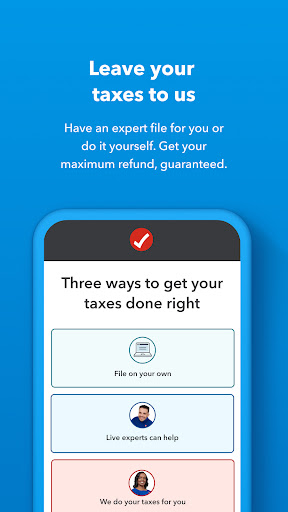
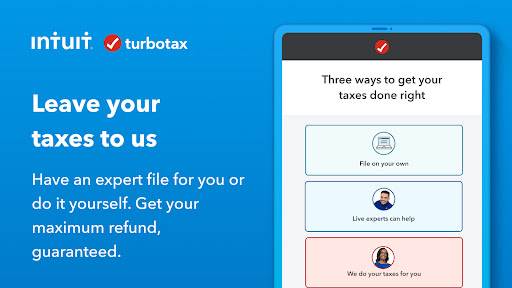
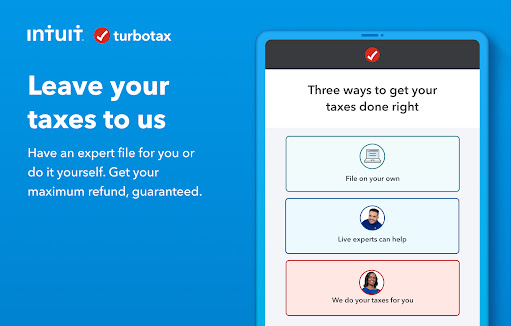
One of the standout features of the TurboTax: File Your Tax Return app is its on-demand connection to tax experts. If tax season feels overwhelming, users can simply pick up where they left off and finish their returns on any device. This accessibility is a game-changer for those who prefer to handle taxes with professional guidance. With just a click, users can connect with thousands of tax experts who will tailor their services based on individual tax situations. This personalized approach ensures that your return is prepared correctly from start to finish, with experts who thoroughly review it before submitting.
2. Free Filing for Simple Returns
For those who qualify, the TurboTax: File Your Tax Return app offers a Free Edition, allowing taxpayers to file simple returns at no cost. About 37% of taxpayers are eligible for this option, making it an attractive choice for individuals with straightforward tax situations. The benefits of this free TurboTax: File Your Tax Return app version cannot be overstated; it offers a chance to file federal and state returns without incurring any expenses, making it a budget-friendly option for many.
3. Faster Refunds
As anyone who has filed taxes knows, waiting for a refund can be the most excruciating part of the process. However, the TurboTax: File Your Tax Return app alleviates the anxiety associated with refunds by offering an Early Refund option. For a fee, users can receive their federal tax refund up to five days earlier than the IRS delivery date, providing a financial cushion when it’s needed most. This feature adds urgent value, especially for those facing financial deadlines or unexpected expenses.
4. Streamlined Filing Process
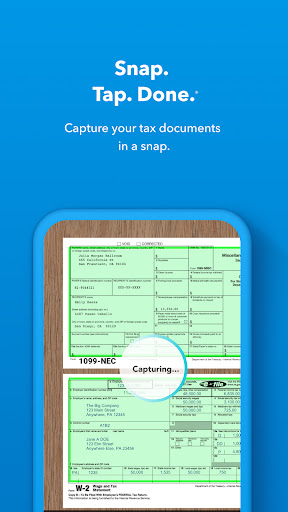
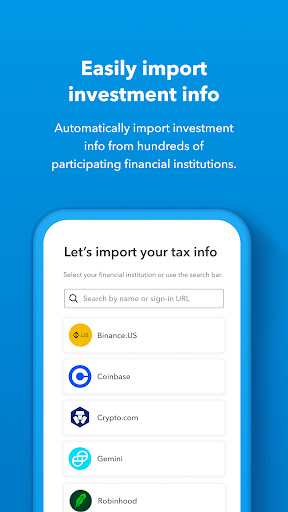
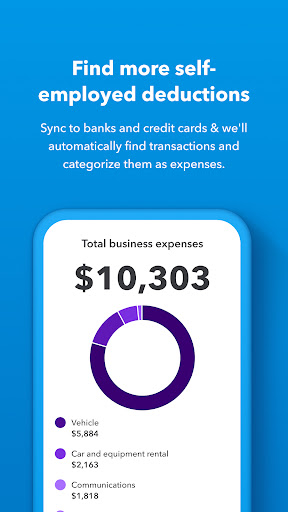
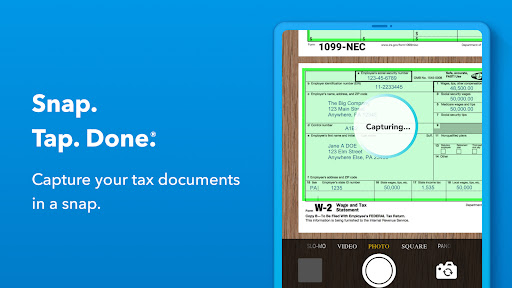
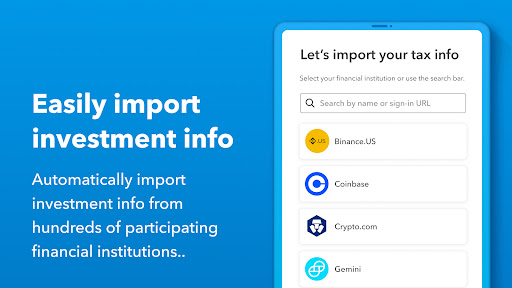
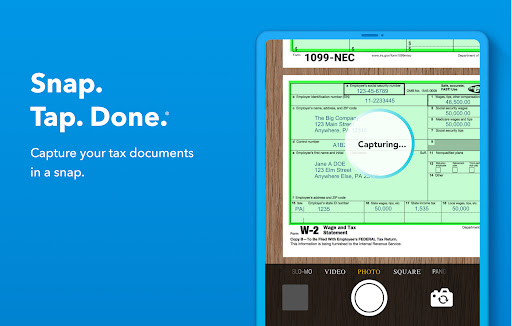
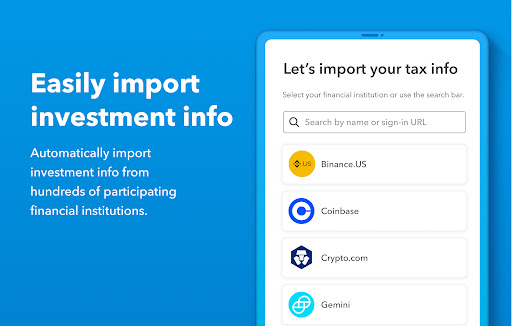
With the goal of optimizing the tax filing process, the app offers unique features that allow users to file their returns 30% faster than traditional methods. The user-friendly interface encourages easy information uploads through snapping photos or importing tax forms directly from employers or financial institutions. This auto-fill capability saves time and reduces the chances of errors, making installations and logins a breeze for both Android and iOS users.
5. Bilingual Support
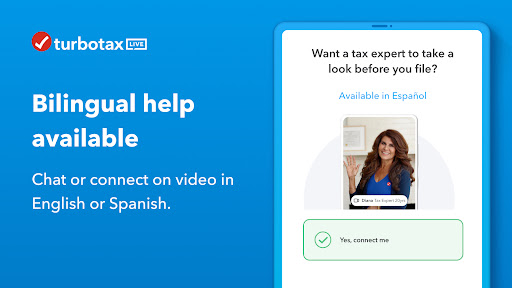
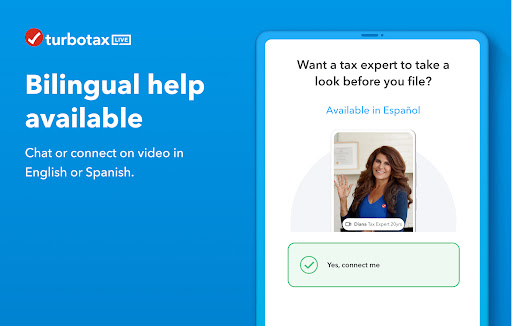
In a diverse society, language can often be a barrier to effective communication, especially during tax season. In recognition of this, TurboTax provides bilingual support, allowing users to toggle between English and Spanish while filing their taxes. Additionally, bilingual tax experts are available, ensuring that all users can file confidently without language constraints.
The TurboTax: File Your Tax Return app has generally received positive feedback from users who appreciate its intuitive design and expert support.
1. Ease of Use - Many users have commented on the app's user-friendly interface, highlighting that it simplifies what can often be a complicated process. Individuals who previously dreaded tax season now express relief at how easily they can navigate through their returns.
2. Expert Availability - Users have consistently noted the convenience of having access to tax experts on-demand. This has allowed them to ask questions and seek clarification at any point in the filing process, creating a sense of security that their taxes are handled professionally.
3. Free Filing Advantage - The free TurboTax: File Your Tax Return app option has been a significant selling point for many users who find themselves uncomplicated tax returns. Taxpayers have noted the financial relief that comes from avoiding expensive filing fees.
However, there have been a few critiques.
1. Complex Situations - Some users with more intricate tax needs expressed frustration when they discovered that TurboTax might not cover all their scenarios, especially when advanced forms or credits are involved.
2. Early Refund Fees - The early refund feature, while attractive, has also received some criticism for its associated fees, leading some users to question whether the quick cash is worth the cost.
Overall, the app achieves a strong rating thanks to its accessibility, ease of use, and comprehensive support.
Staying competitive in an ever-evolving digital landscape, the TurboTax: File Your Tax Return app has incorporated new features and updates that reflect its commitment to its user base.
1. Expanded Smartphone Functionality - Recent updates have improved the app’s performance on both Android and iOS platforms, enhancing its speed and reliability for mobile users.
2. Enhanced Document Uploading - The latest version allows users to notarize documents directly through the app, enabling a smoother process without needing to juggle multiple platforms or devices.
3. Increased Expert Availability - The number of experts available for consultation has increased, meaning lower wait times for users. This ensures that users can get timely support as the tax deadline approaches.
4. Improved Bilingual Features - The technology behind the app’s bilingual support has been enhanced, making it easier for Spanish-speaking users to file their taxes in their preferred language.
With these updates, the app shows its commitment to evolving with user needs and preferences, indicating that TurboTax is invested in providing a top-notch filing experience.
To maximize the TurboTax: File Your Tax Return app's capabilities, users should be aware of the device requirements:
1. Operating System - The app is available for both Android and iOS devices, but users should ensure their devices are running the latest version of the respective operating systems to take full advantage of all features.
2. Storage Space - A minimum amount of storage space is required to download the TurboTax: File Your Tax Return apk and install it successfully, ensuring that users do not face functionality issues.
3. Internet Connection - Since the TurboTax app requires a constant internet connection for document uploads and expert consultations, users should ensure that they have stable internet access to avoid interruptions while filing.
Adhering to these requirements will provide users with a seamless experience when installing and using the app.
As with many applications, certain permissions must be granted for the TurboTax: File Your Tax Return app to function correctly:
1. Camera Access - Users must enable camera permissions for document scanning and photo uploads under the documents section.
2. Storage Access - The app requires access to device storage to save uploaded files and allow users to retrieve them easily.
3. Location Permissions - If required for matching with local tax experts, location permissions may need to be granted. This ensures that users are matched with professionals who understand regional tax laws.
4. Internet Access - Users need to allow access to the internet, as TurboTax's expert consultations and document imports rely on real-time data and connectivity to provide the best user experience.
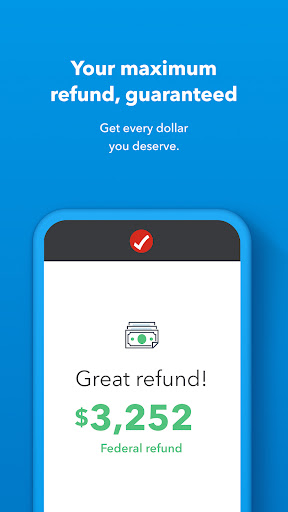
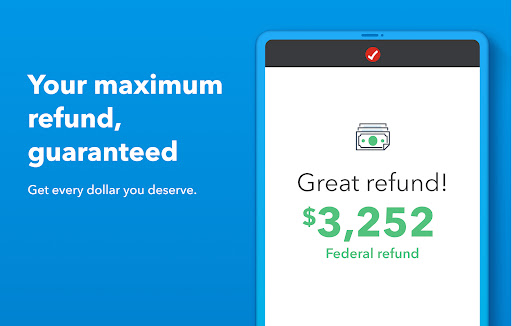
Conclusively, the TurboTax: File Your Tax Return app stands out as an innovative solution to the annual tax-filing conundrum. Its features, support structure, and user-oriented design reflect modern needs while simplifying the complexities often associated with taxes. Whether you choose to file independently or with expert assistance, TurboTax deserves serious consideration as a go-to resource in achieving your financial goals. So if you’re ready to embrace a smarter, easier way to handle your taxes, consider downloading the TurboTax: File Your Tax Return app today to ensure you file with confidence and maximize your refund, guaranteed.








Welcome to AppSparkle - your independent guide to discovering trending and popular apps. Our mission is to provide a user-friendly platform highlighting popular apps available on official stores.
At AppSparkle, we gather and present app information to help you explore options across Google Play and the Apple Store. Our descriptions are based on public sources and aim for accuracy, but we encourage verifying details directly on official store pages.
Important Notice:
AppSparkle is an independent third-party platform. We are not affiliated with, endorsed by, or officially connected to any app developers, brands, Google Play, Apple App Store, or their parent companies. All app names, logos, and trademarks belong to their respective owners.
We strive to make app discovery straightforward. Links provided will direct you to secure download pages on Google Play or the Apple App Store.


